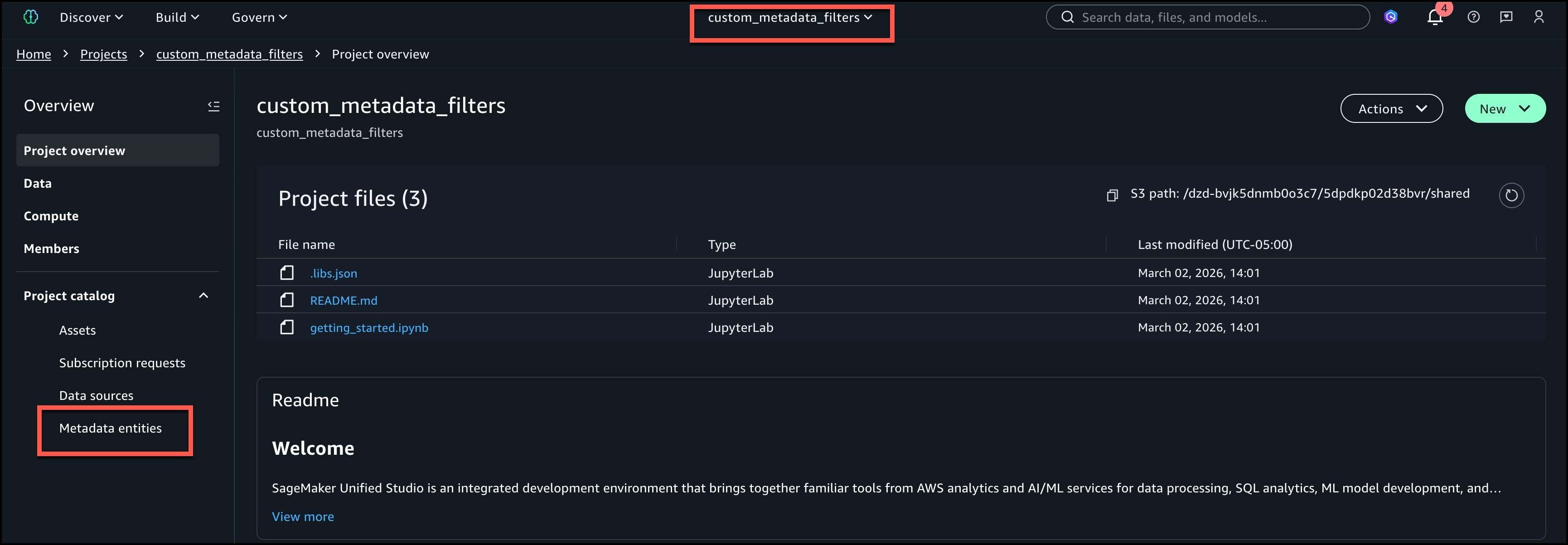
Finding the right data assets in large enterprise catalogs can be challenging, especially when thousands of datasets are cataloged with organization-specific metadata. Amazon SageMaker Unified Studio now supports custom metadata search filters. You can filter catalog assets using your own metadata form fields like therapeutic area, data sensitivity, or geographic region rather than relying only on free-text search. Custom metadata forms are structured templates that define additional attributes that can be attached to catalog assets.
In this post, you learn how to create custom metadata forms, publish assets with metadata values, and use structured filters to discover those assets. We explore a healthcare and life sciences use case. A research organization catalogs metrics in Amazon SageMaker Catalog using custom metadata forms with fields such as Therapeutic Area and Sample Size. Researchers building Machine learning models can now search datasets based on custom filters across hundreds of cataloged assets to identify the best datasets to train their models.
Custom metadata search filters in SageMaker Unified Studio offer the following key capabilities:
In the following sections, we demonstrate how to set up custom metadata forms, publish assets with metadata values, and use custom metadata search filters to discover those assets.We complete the following three steps for the demonstration.
To follow along with this post, you should have:
For instructions on setting up a domain and project, see the Getting started guide.
Complete the following steps to create a custom metadata form with filterable fields:
Create first field Therapeutic Area (String) – Mark as Searchable
Create second field Subject Count (Integer) – Mark as Filterable by range
In this section, you create a custom asset and attach the research_metadata form created in the previous step.
For the first metric ‘drug_1_treatment’, provide the following asset name and description.
Add the following values for the metadata form.
Validate all fields and choose CREATE.
Publish the asset to the catalog.
Next, we will create the second metric ‘drug_1_treatment’. Repeat the steps from the previous procedure and enter the values shown.
After publishing assets with custom metadata, go to the Browse Assets page to use the filters.
Filter configurations are stored in the user’s browser and are not shared across devices or users.
To customize search, you could:
To search catalog assets programmatically, you can use the SearchListings API in Amazon DataZone, which supports the same filtering capabilities as the SageMaker Unified Studio UI. The following example filters assets where a custom string field contains a specific value and a numeric field is within a range:
For more details, see the SearchListings API documentation in the Amazon DataZone API Reference.
Consider the following best practices when using custom metadata search filters:
For instructions on deleting the added assets, see Delete an Amazon SageMaker Unified Studio asset.
For instructions on deleting the metadata forms, see Delete a metadata form in Amazon SageMaker Unified Studio.
Custom metadata search filters in Amazon SageMaker Unified Studio give data consumers the ability to find exact assets using structured filters based on their organization’s own metadata fields. By combining multiple filters across custom metadata forms, asset names, descriptions, and date ranges, data consumers can construct precise queries that surface the right datasets without scanning through broad search results. Filter persistence across browser sessions further streamlines repeated discovery workflows.
Custom metadata search filters are now available in AWS Regions where Amazon SageMaker is supported.
To learn more about Amazon SageMaker, see the Amazon SageMaker documentation. To get started with this capability, refer to the Amazon SageMaker Unified Studio User Guide.
Ramesh is a Senior Product Manager Technical (External Services) at AWS in Seattle, Washington, currently with the Amazon SageMaker team. He is passionate about building high-performance ML/AI and analytics products that help enterprise customers achieve their critical goals using cutting-edge technology.
Pradeep is a Principal Analytics and Applied AI Solutions Architect at AWS. He is passionate about solving customer challenges using data, analytics, and Applied AI. Outside of work, he likes exploring new places and playing badminton with his family. He also likes doing science experiments, building LEGOs, and watching anime with his daughters.
Alexandra is a Software Development Engineer (SDE) at AWS based in New York City, on the Amazon SageMaker team. She works on the catalog and data discovery experiences within the Unified Studio.